Shortcut Virus – How to Remove From Your PC and Drives
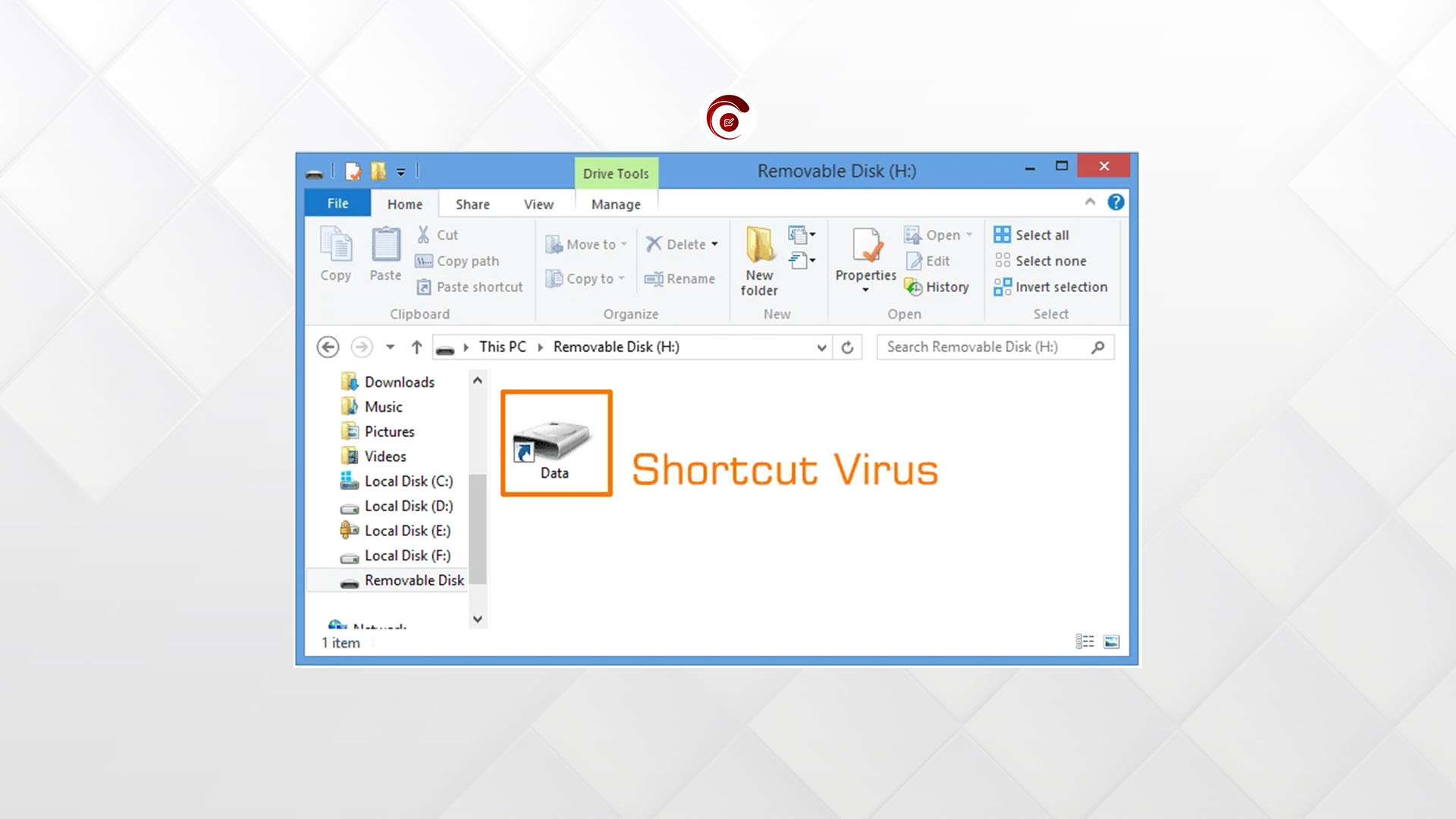
Have you ever inserted a pen drive, SD card or hard disk in a computer only to find that all the contents or files on it is lost. Only a shortcut file is found. But the USB drive indicates that there are files on it because some of the storage space is used. Well you have been infected by a Malware called, Shortcut Virus.
What is Shortcut Virus?
The Shortcut Virus is a type of computer virus or malware, that hides all original files or data on a removable USB storage in an invisible folder. It then creates a shortcut.ink to access the files. When the user tries to open the shortcut, the virus first runs or installs itself on the host computer. Then it takes the user to the original file.
Let’s learn how to deal with this virus.
STEP 1: Checking if the virus is running on the PC
- Open task Manager by pressing CTRL + Shift + Esc on the keyboard, or click on start, search for task manager and open.
- Click on the “Details” tab at the top right below the menu bar of the task manager window.
- Under Name look for AvastSvcXoF or AvastSvc. Check the status to see if it is running. If yes, then that is the virus running in your computer.
Now let’s see how we can remove it.
STEP 2: Removing the Host Virus from your computer
- Right click on the AvastSvc you saw in the task manager details tab.
- Select Open file location.
- This should take you to a location like C:\ProgramData\AvastSvc (Virus Folder). NOTE: don’t close this window.
- Go back to the task manager window and right-click on the AvastSvc found at the details tab.
- Select End task.
- Go back to the window where the virus folder is opened (step 3)
- Delete everything in the virus folder permanently, You can do so by pressing CTRL + A and then Shift + delete.
Step 3: Remove the virus from the removable USB drive and unhide all files
- Insert the infected drive and take note of the drive letter Eg. I, E, H. Note: Don’t run any of the shortcuts, else the virus will spread.
- Click on start > search for command Prompt > Right-Click on Command Prompt and select Run as Administrator. Or you can press Windows Key + R to open run > type in cmd and press Ctrl + Shift + Enter to run it as administrator and choose yes from the prompt.
- Type in the code below:
attrib -h -r -s /s /d X:/*.* - Replace X with your USB drive’s letter. Example: If the drive letter is E, type:
attrib -h -r -s /s /d E:/*.* - Press Enter. This will unhide the files and keep them in a folder with no name.
- Move all files from that folder to the main page or directory of the drive.
The Shortcut Virus should be permanently removed from your computer now. If not follow the procedure carefully or contact our IT support center HERE.


